Browse packages in the Console
Use the Packages list in the Console to see which Crossplane packages your control planes declare, find packages that run at more than one version, and see which control planes run each version.
Before you begin
- Sign in to the Hub Console with an account that has permission to read resources in at least one realm. See the Roles reference.
- Connect at least one control plane or space.
Open the packages list
Open the navigation menu, then choose Packages under Insights. Packages covers every control plane you have permission to read, in every realm, so you don't need to select a realm first.
Each row is one package, matched across your control planes:
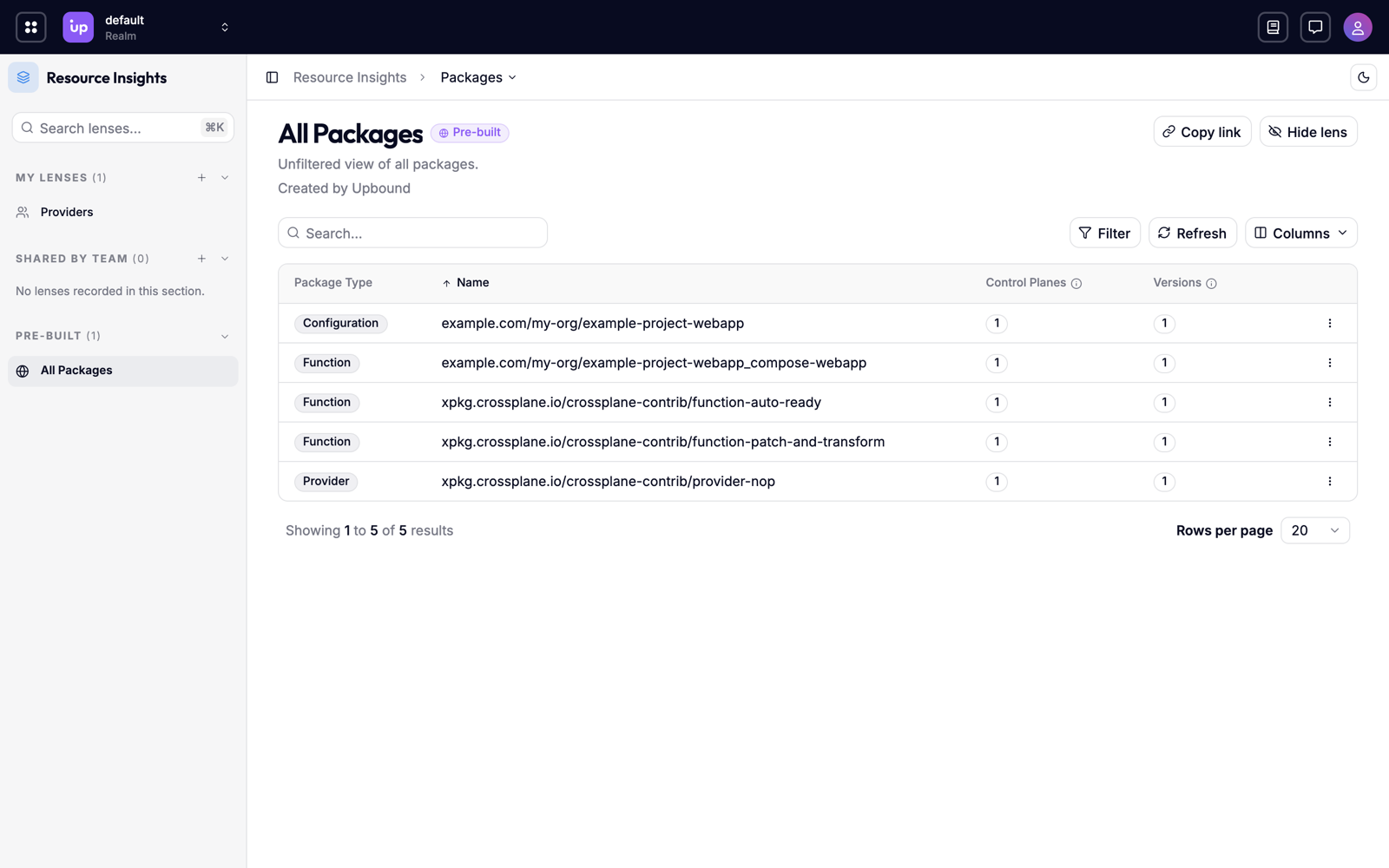
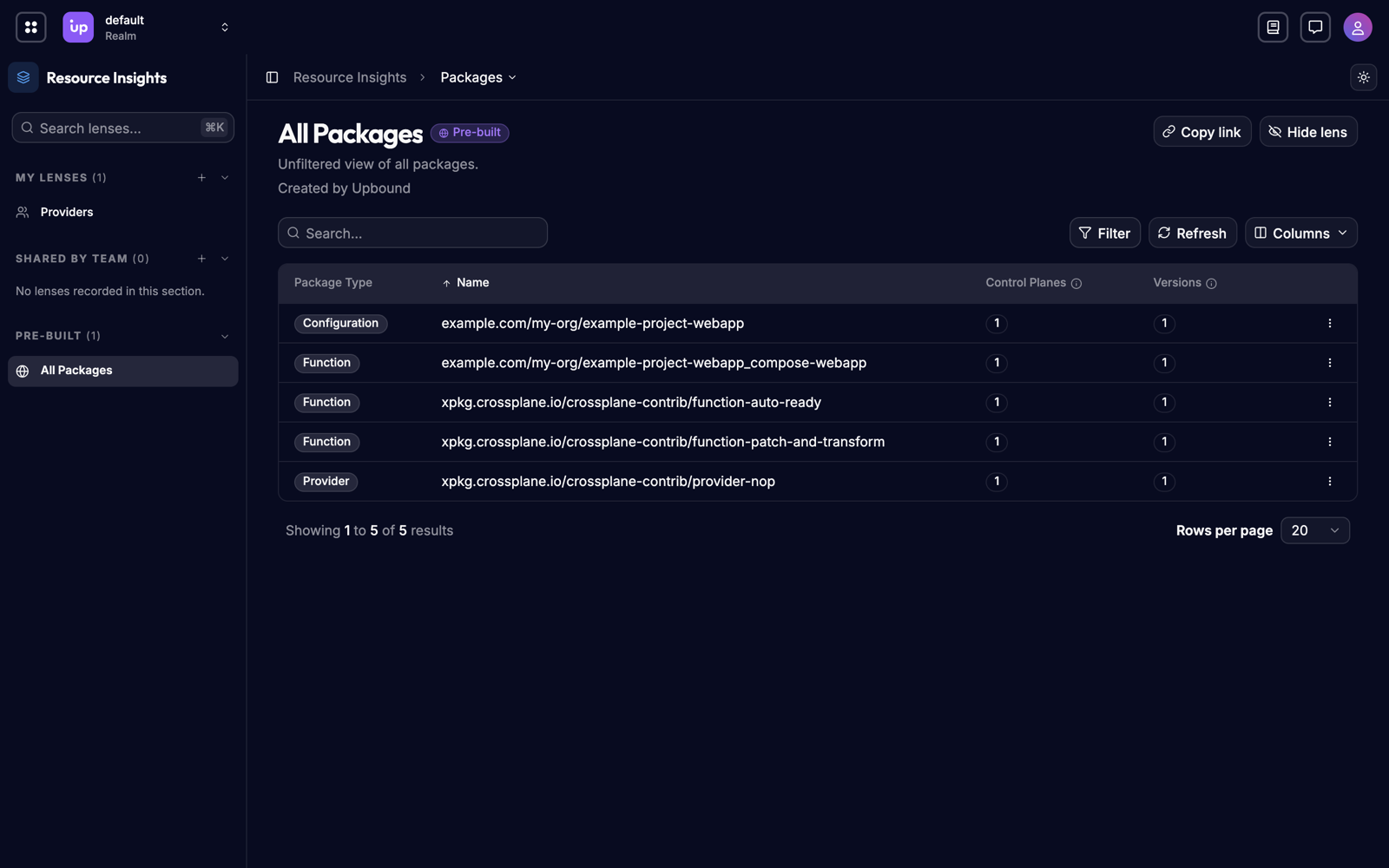
| Column | Shows |
|---|---|
| Package Type | Provider, Configuration, Function, or AddOn. |
| Name | The package's repository, without a tag or digest. |
| Control Planes | How many control planes declare the package. |
| Versions | How many versions the fleet declares. See Versions. |
Type in the search box to find a package by repository. Select a column header to sort by that column.
Filter the list
-
Choose Filter, then Add filter.
-
Choose a filter, then one or more values:
Filter Values Package Type Provider, Configuration, Function, or AddOn. Control Plane The control planes that declare packages.
Each filter appears as a pill on the filter bar, and filters combine. Select a pill to change its values, choose × on a pill to remove it, or choose Clear All to remove every filter.
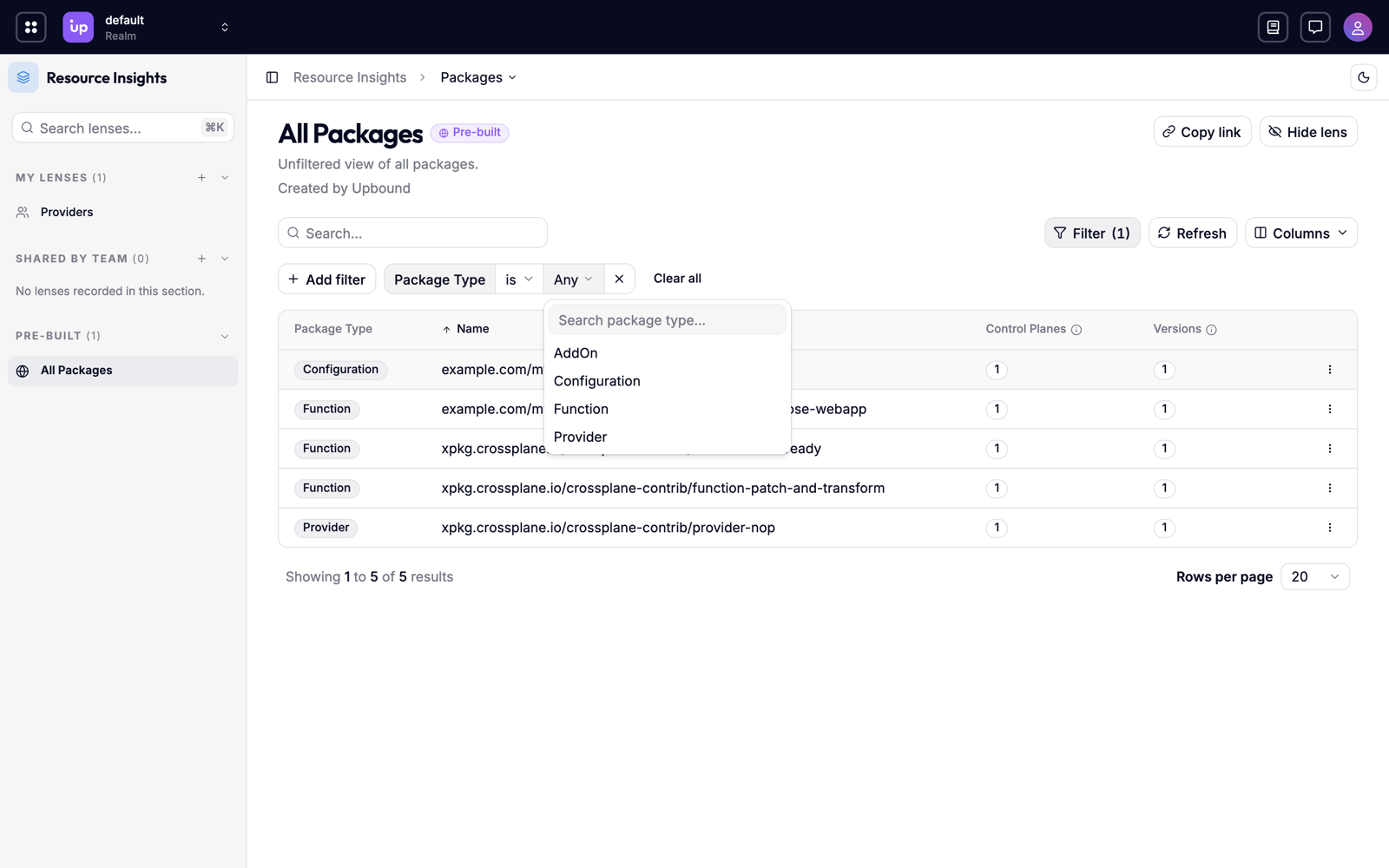
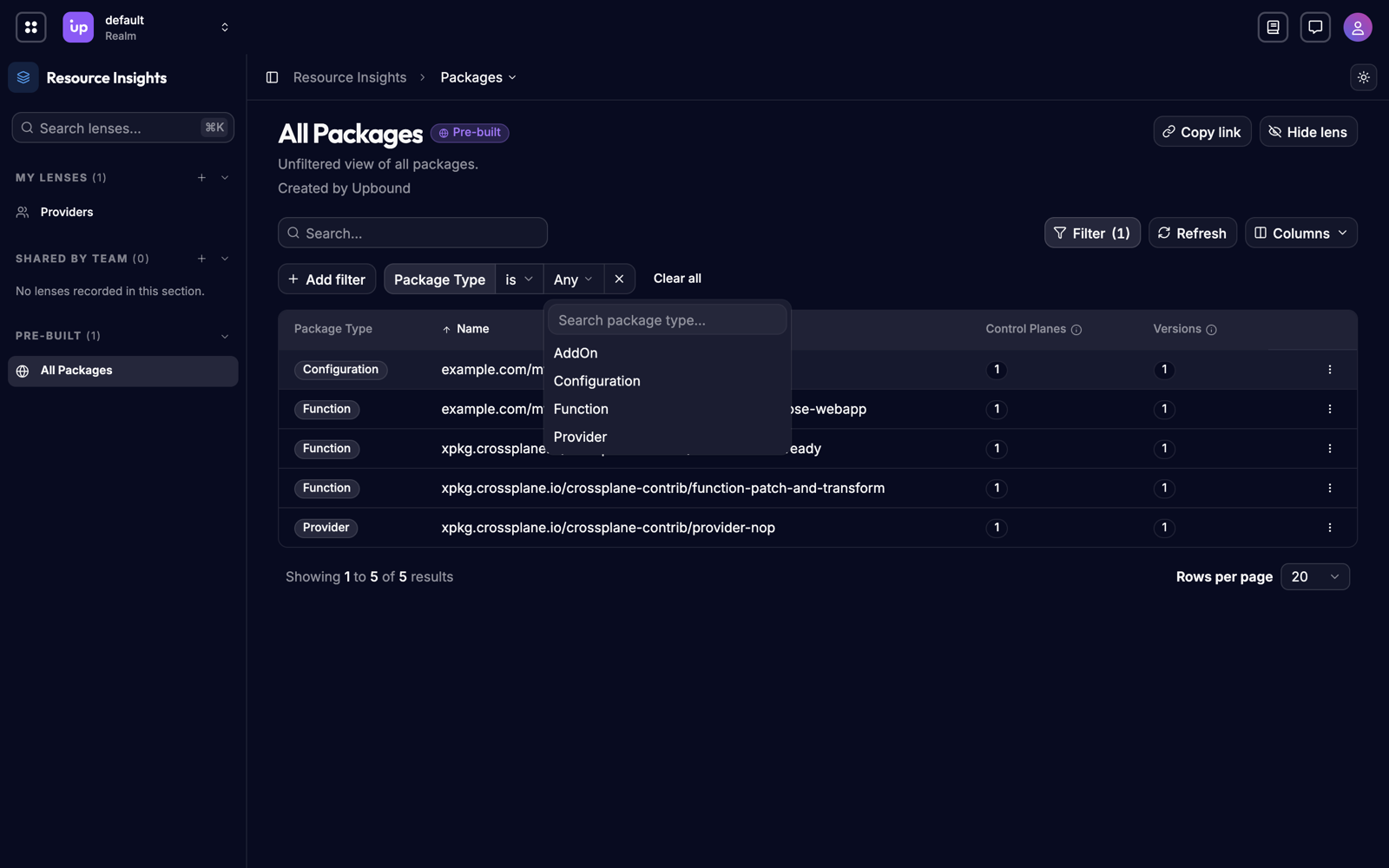
To filter on a value in the table, right-click the cell and choose Filter by this value.
Find version skew
- Select the Versions column header to sort packages by their version count.
- Select a package with more than one version to see which control planes run each one.
See where each version runs
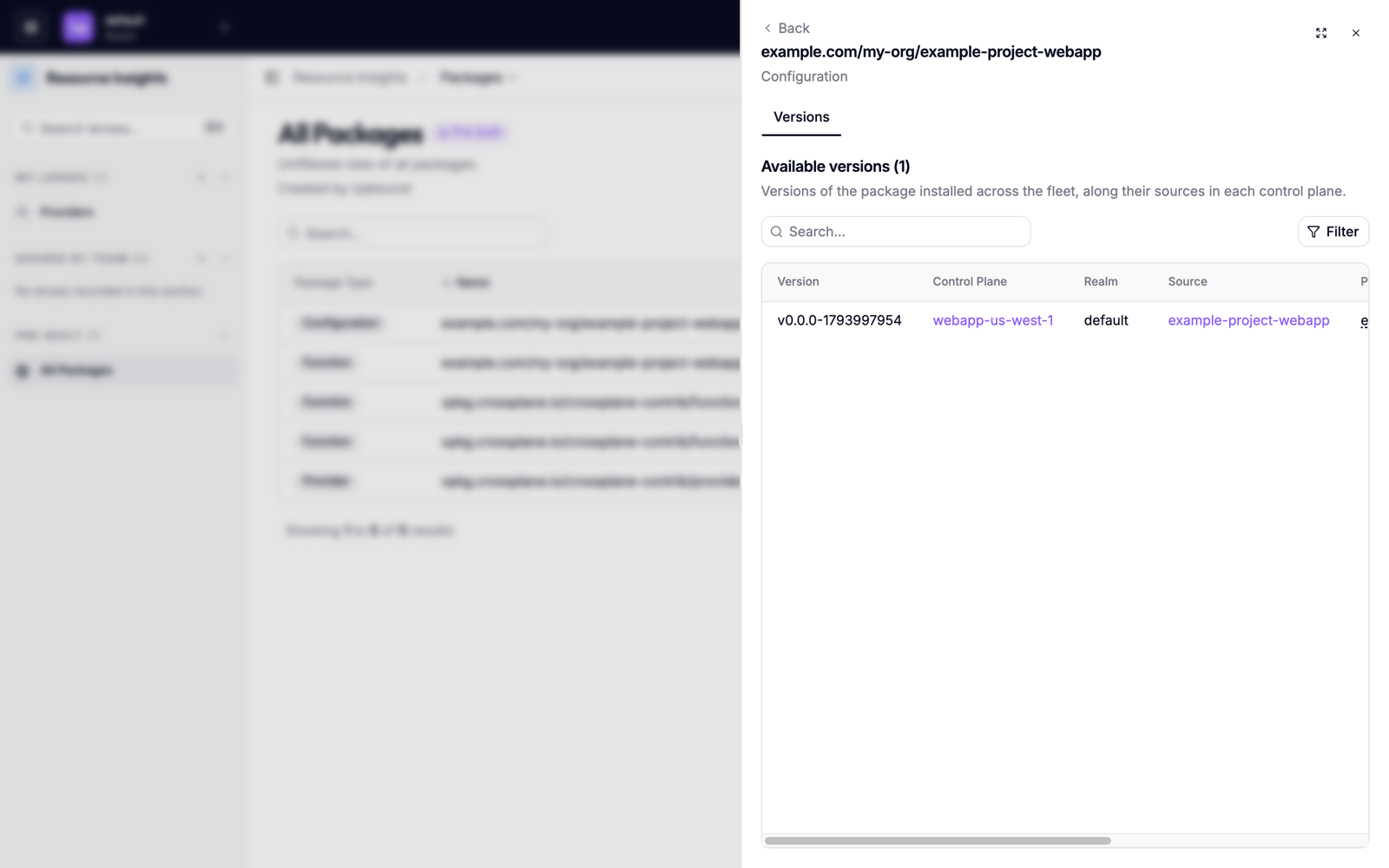
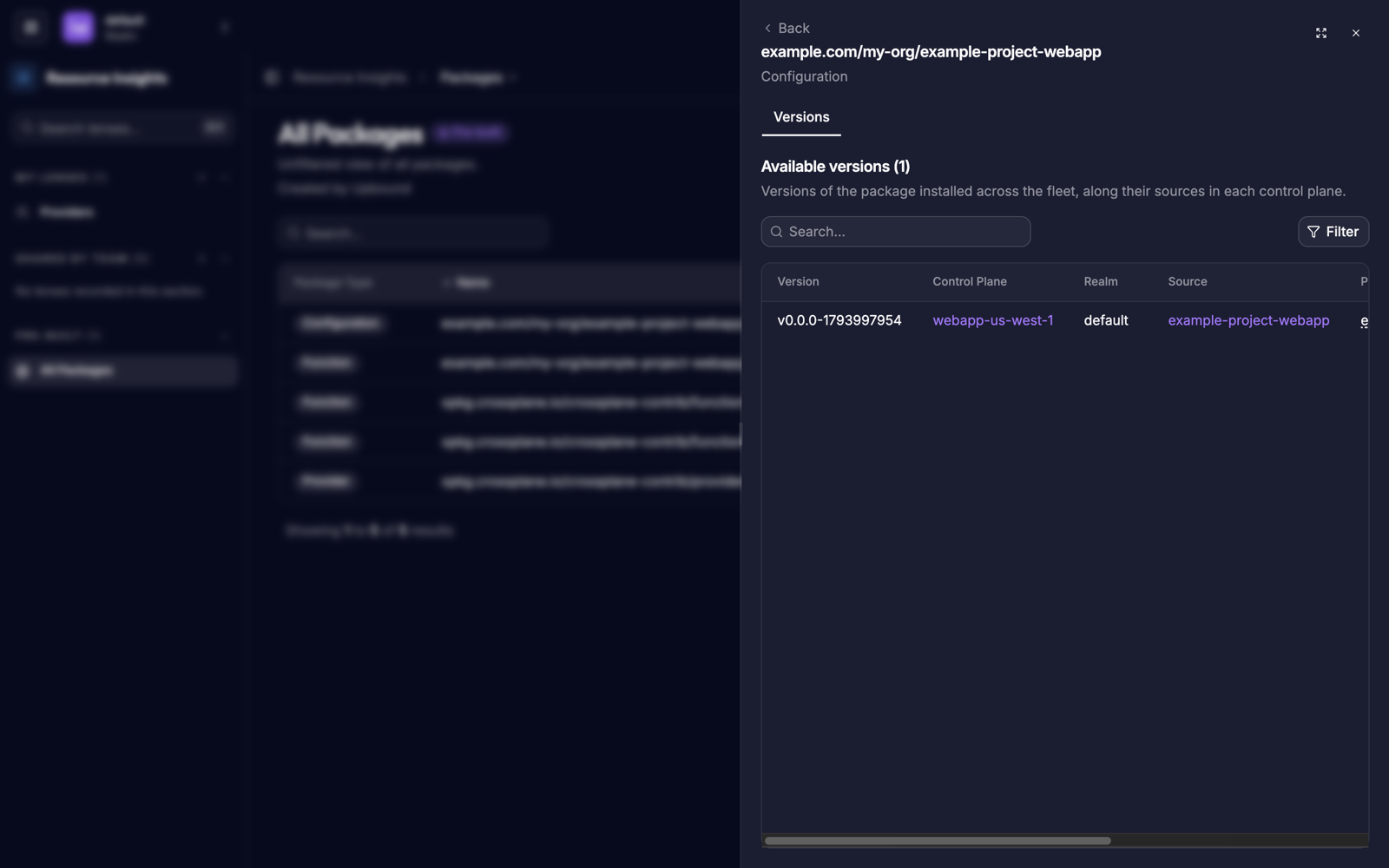
Select a row to open the package's details. The Versions tab lists one row for each version and control plane:
| Column | Shows |
|---|---|
| Version | The tag or digest the control plane declares. |
| Control Plane | The control plane that declares this version. |
| Realm | The control plane's realm. Select it to open the realm. |
| Source | The package object on the control plane. Select it to open the object in the resource list. |
| Package Ref | The full package reference, including the tag or digest. |
Filter the tab by version to see which control planes run a particular release.
Troubleshoot
| Symptom | Cause |
|---|---|
| Packages is missing from the navigation menu | Your platform team turned off the AggregatedTypes feature flag. |
| A package shows a version that failed to install | Packages shows what control planes declare, not what installed. Select the Source object to check its health. |
| A package you expect is missing | It's on a control plane you don't have permission to read. See Access-scoped results. |
| The same release counts as two versions | One control plane pins it by tag and another by digest. See Versions. |