Catalog
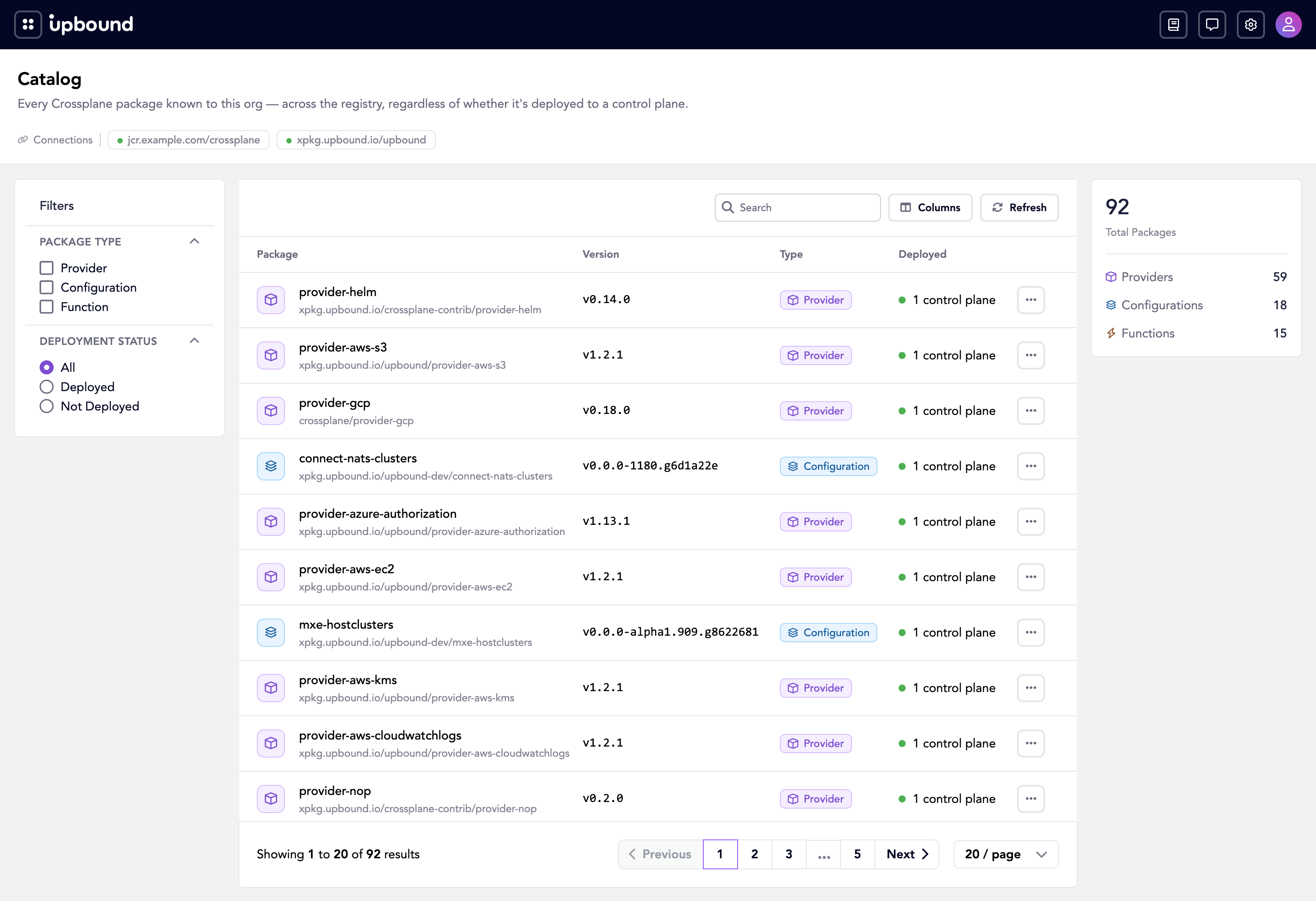
Catalog is an index of the package images running across your connected control planes, queryable through the Hub API.
Query the Catalog to look up an image, see where the resources it declares run across your fleet, and search everything Hub has indexed without inspecting each control plane on its own.
The Catalog works with the Resource API to give you both halves of a global view. The Resource API tells you what's running right now; the Catalog tells you which packages declared it and what else those packages can define. Together they connect a live resource back to the image that supplied its type, and an image forward to every resource running from it across the fleet.
Catalog is an alpha feature. It's disabled by default, and its API may change in incompatible ways between releases. See the feature lifecycle for what the alpha stage guarantees, and avoid relying on Catalog for production workloads.
What Catalog does
The Catalog API serves package data through two resources:
Image: Lists and gets the package images Hub has indexed.Imageexposes two subresources:Usage: The image's footprint across your fleet: which control planes run it and how many resources of its types they have.Openapi: The OpenAPI schemas for the resource types the package declares, so you can inspect an API without installing the package.
ImageSearch: Searches across the indexed images and their descriptions.
All catalog image data is visible to the organization but users only see the correlated resources and control planes for realms they have access to.
Use cases
- Inventory package images running across every connected control plane, from one API.
- Find where a specific image or its resources run through the
usagesubresource. - Search the indexed images with
ImageSearchinstead of querying each control plane.
Related resources
To start using Catalog, see:
How-to guides
Reference