Browsing resources
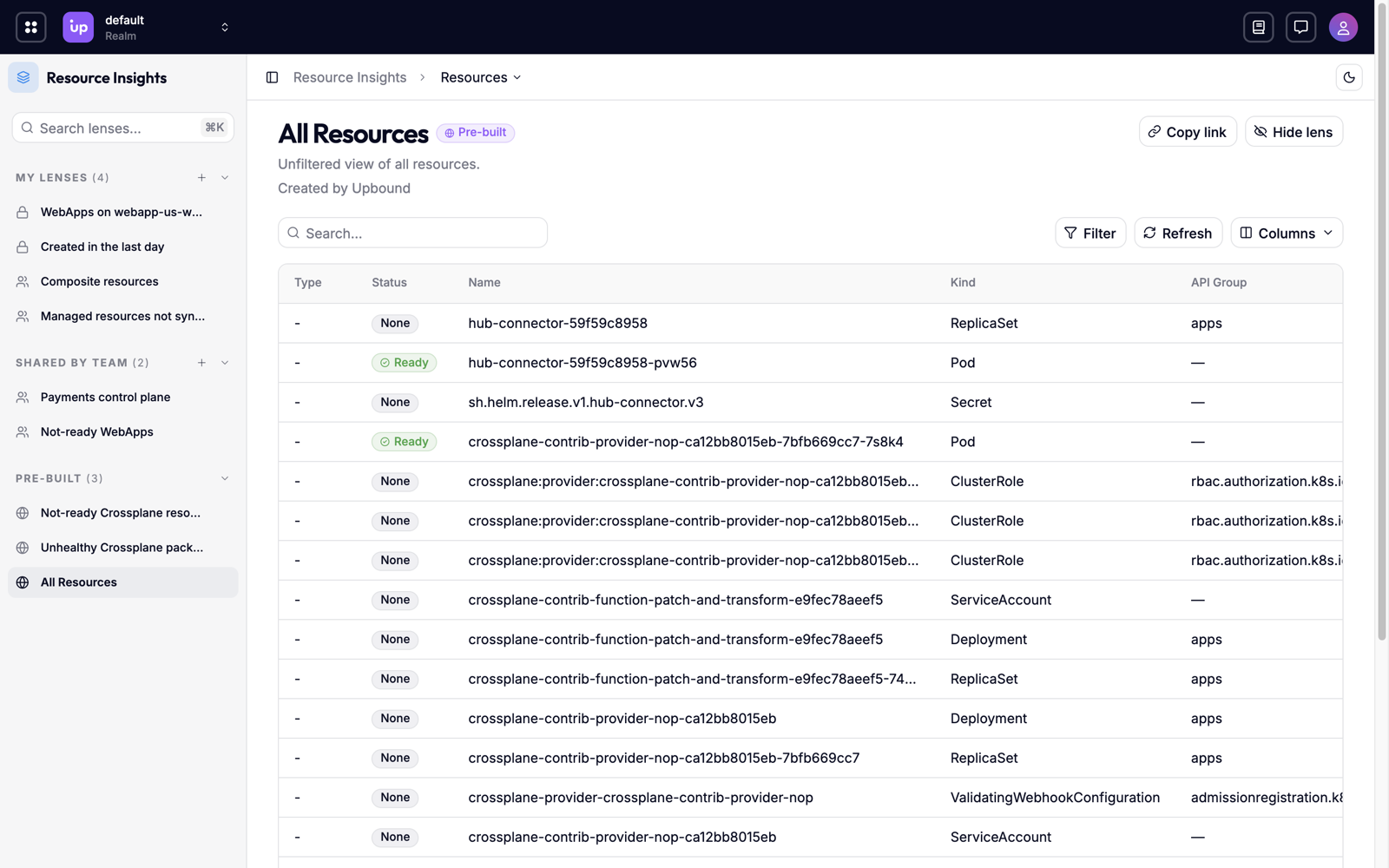
When something breaks on a platform built from many control planes, the first thing to find out is which resources are broken and where. Upbound Insights gives you the single pane of glass to find them. Hub gathers the resources from every control plane you connect into a single list, so you can search the whole fleet, narrow it to what matters, and open any resource to see its health, history, and relationships, without signing in to each control plane.
What you can do
- Find what's failing, fleet-wide. Narrow the list to resources that report
ReadyasFalse, across every control plane at once. - Focus on one part of the fleet. Scope the list to a realm, a control plane, a namespace, or a team's labels.
- Trace between resources using relationships. Follow a resource to the resources it composes and references, and back to the ones that compose or reference it.
- Read historical events. See the Kubernetes events a control plane recorded for a resource without connecting to that control plane.
- Aggregate and count by group. Count resources and group the counts by the conditions they report.
- Keep the views you use. Save a search and filters as a lens, and share it with your team.
How the resource list works
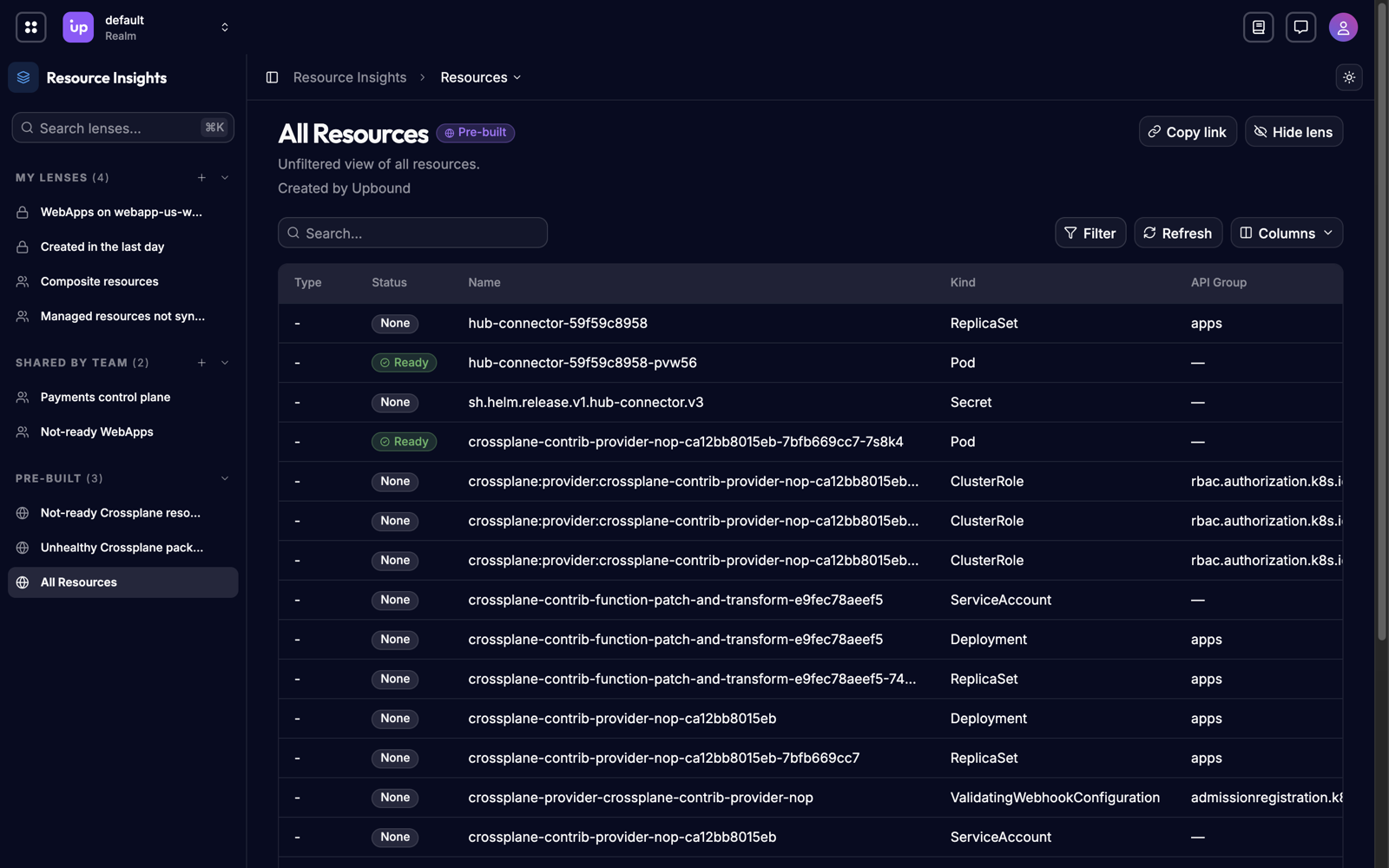
Every connected control plane reports its resources to Hub, which keeps one record for each. The resource list shows those records together, whichever control plane they came from. Each row shows where the resource lives, its kind and name, and its health.
The list reflects the state each control plane last reported, and it only includes the realms you have permission to read from. How Insights data works explains both.
Narrowing the list
You narrow the list in two ways, and they combine:
- Search matches text anywhere in a resource's identity: its name,
namespace, kind, API group, API version, UID, or Crossplane type. Searching
paymentsfinds every resource withpaymentsin its name or namespace. - Filters match exact conditions on specific fields, such as "kind is
Bucket," "ReadyisFalse," or "created in the last 24 hours."
Save a search and its filters as a lens to come back to them or share them with your team.
Inspecting a resource
Opening a resource shows four views of it:
| View | Shows |
|---|---|
| Overview | Its identity, where it lives, and its health conditions. |
| Relationships | What it composes, what it references, and what references it. |
| Events | The Kubernetes events its control plane recorded for it. |
| YAML | The full object, as its control plane last reported it. |
You can't change a resource in Hub. To change one, change it on the control plane that owns it.
Requirements and limits
- A list count is exact up to 1000 matches. Above that, Hub reports "more than 1000." The dashboard and the API's resource statistics give an exact count.