Packages
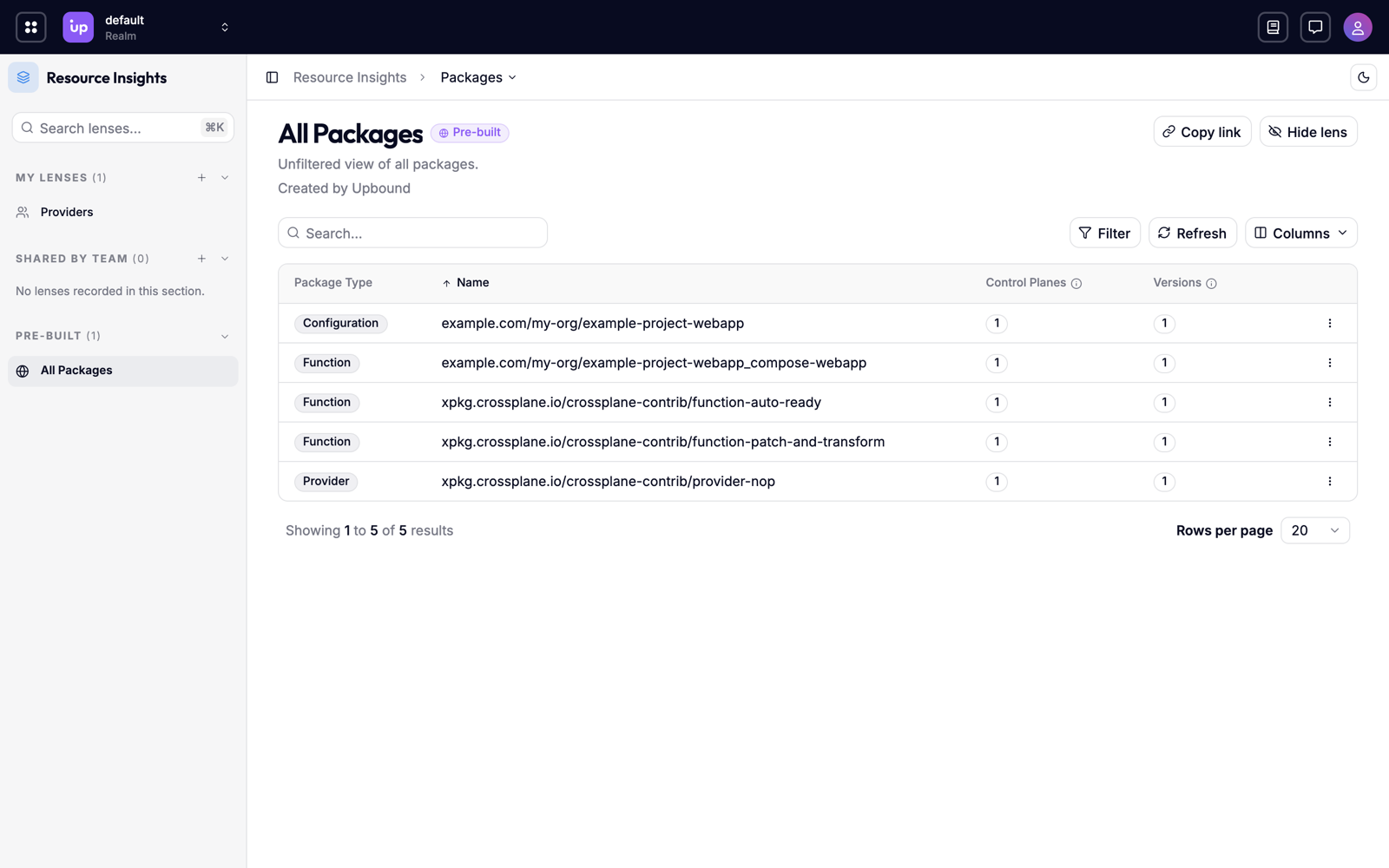
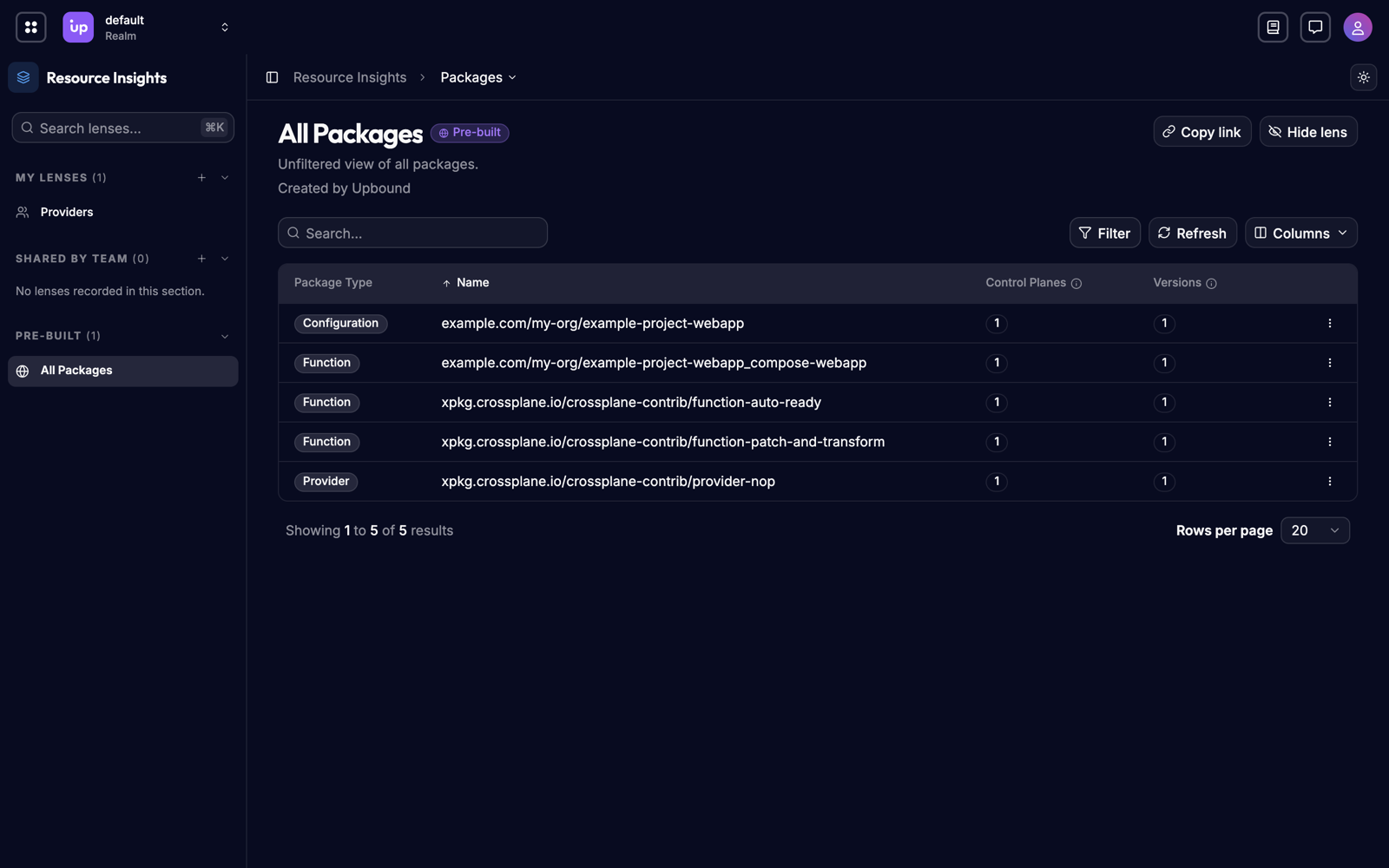
A platform's control planes rarely run the same Crossplane packages at the same versions. A provider upgrade rolls out to some control planes before others, and a pinned version can linger long after everyone else has moved on. Packages shows every Crossplane package your control planes declare in one list, with the versions each one runs, so you can see version skew across your fleet at a glance.
What you can do
- See every package your platform runs. Get one list of the providers, configurations, functions, and AddOns your control planes declare.
- Find version skew. See which packages run at more than one version, and which control planes lag behind.
- Track a rollout. Watch a package's version count drop back to one as an upgrade reaches every control plane.
- Find pinned packages. See which control planes pin a package by digest instead of a tag.
How Packages works
Hub reads the package objects on each connected control plane, and matches them
across control planes by package type and repository, such as the provider
xpkg.upbound.io/upbound/provider-aws. Each row in Packages is one package,
covering every control plane that declares it and every version they declare.
Packages covers the Crossplane built-in package types, providers, configurations, and functions, as well as Upbound AddOns.
Packages only counts the control planes you have permission to read. A package can also run on control planes you can't see. See Access-scoped results.
Versions
A package's version is the tag or digest in the package reference that a
control plane declares. Usually it's a tag, such as v1.24.0. When a control
plane pins a package by digest alone, Hub uses the digest as the version. A reference with both a tag and a
digest counts under its tag.
A package with more than one version runs under more than one reference across the fleet. The same image counts twice when one control plane pins it by tag and another by digest.
Package health
Packages shows what each control plane declares, not what installed successfully. A package appears as soon as its package object exists, even if its image never pulled or its revision never became healthy. To check a package's health, open its package object on the control plane, or find it in the resource list.
Packages and Catalog
Packages reports on the package objects on your control planes. Catalog indexes the package images themselves: the APIs each image introduces and their schemas, so you can inspect an API without installing the package. Catalog appears alongside Packages in the Console and doesn't replace it.
Requirements and limits
Packages is a beta feature. Its API is stable in shape, but details may change before general availability. See the feature lifecycle. It's on by default, behind the AggregatedTypes feature flag.
- Packages is read-only. To change a package, change its package object on the control plane that declares it.