Browse definitions in the Console
Use the Definitions list in the Console to see which API types your control planes serve, find the types whose schemas differ between control planes, and compare two schemas side by side.
Before you begin
- Sign in to the Hub Console with an account that has permission to read resources in at least one realm. See the Roles reference.
- Connect at least one control plane or space.
Open the definitions list
Open the navigation menu, then choose Definitions under Insights. Definitions covers every control plane you have permission to read, in every realm, so you don't need to select a realm first.
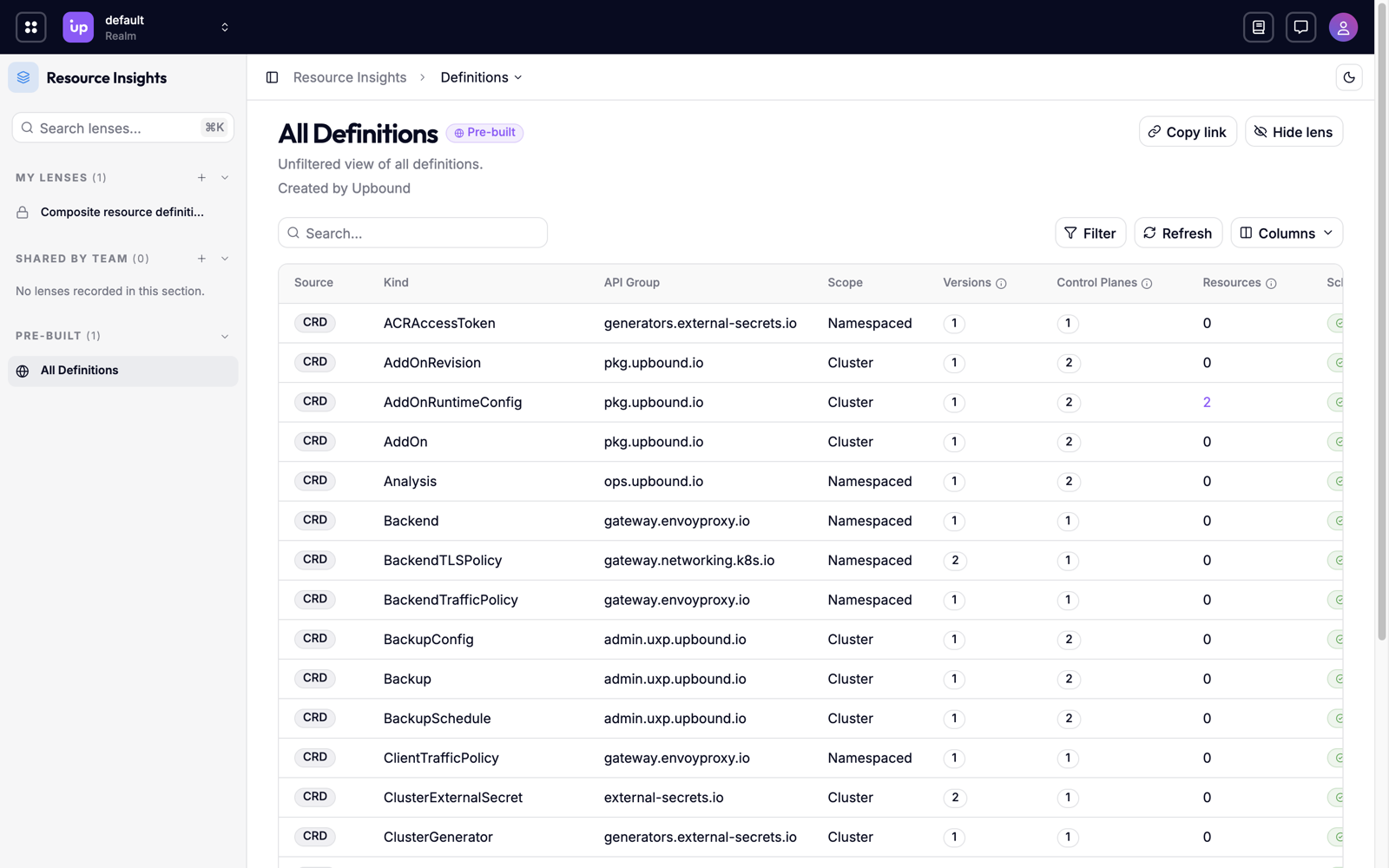
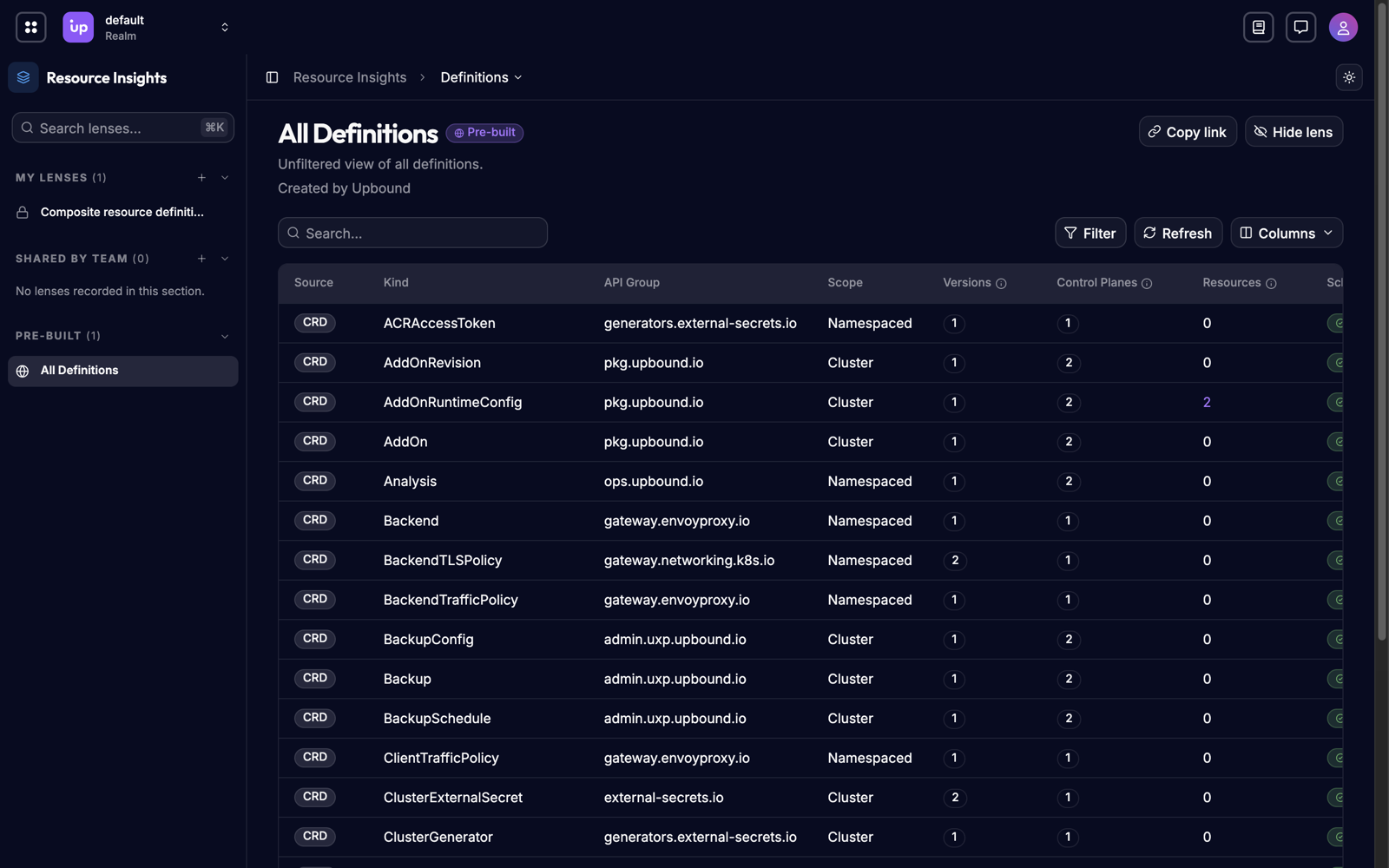
Each row is one type, matched across your control planes:
| Column | Shows |
|---|---|
| Source | How control planes define the type: XRD, CRD, or MRD. A type shows more than one source when control planes define it differently. |
| Kind and API Group | The type's identity, such as RDSInstance in rds.aws.upbound.io. |
| Scope | Cluster or Namespaced. |
| Versions | How many API versions the fleet serves for the type. |
| Control Planes | How many control planes serve the type. |
| Resources | How many resources of the type exist. Select the count to open the resource list filtered to the type. |
| Schema | Consistent when each version has one schema on every control plane, or Has Variants when control planes serve a version with different schemas. See Schema variants and deprecation mismatches. |
| Deprecation Status | Consistent when every control plane agrees on which versions are deprecated, or Has Mismatches when they don't. |
Select a column header to sort by that column.
Filter the list
-
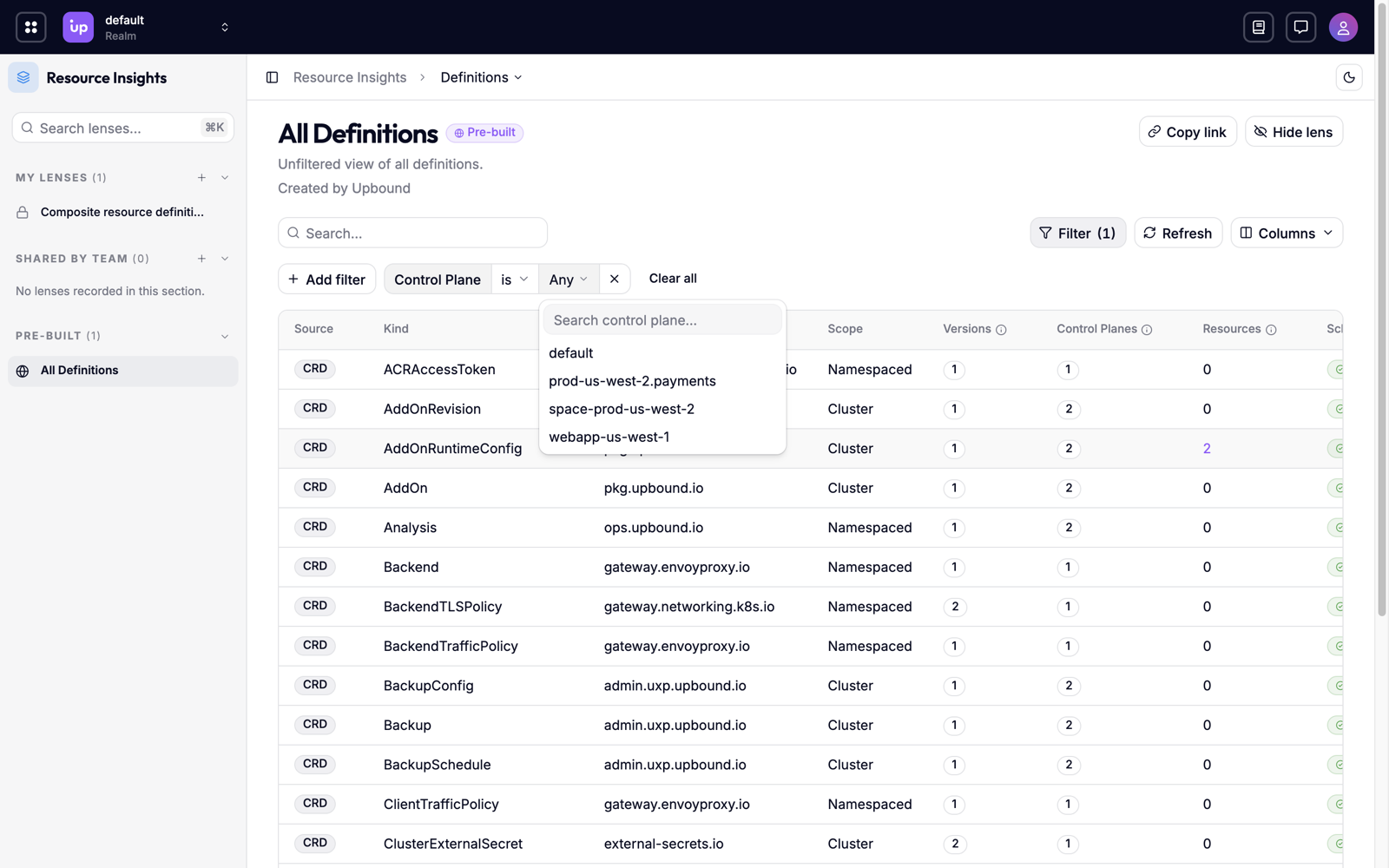
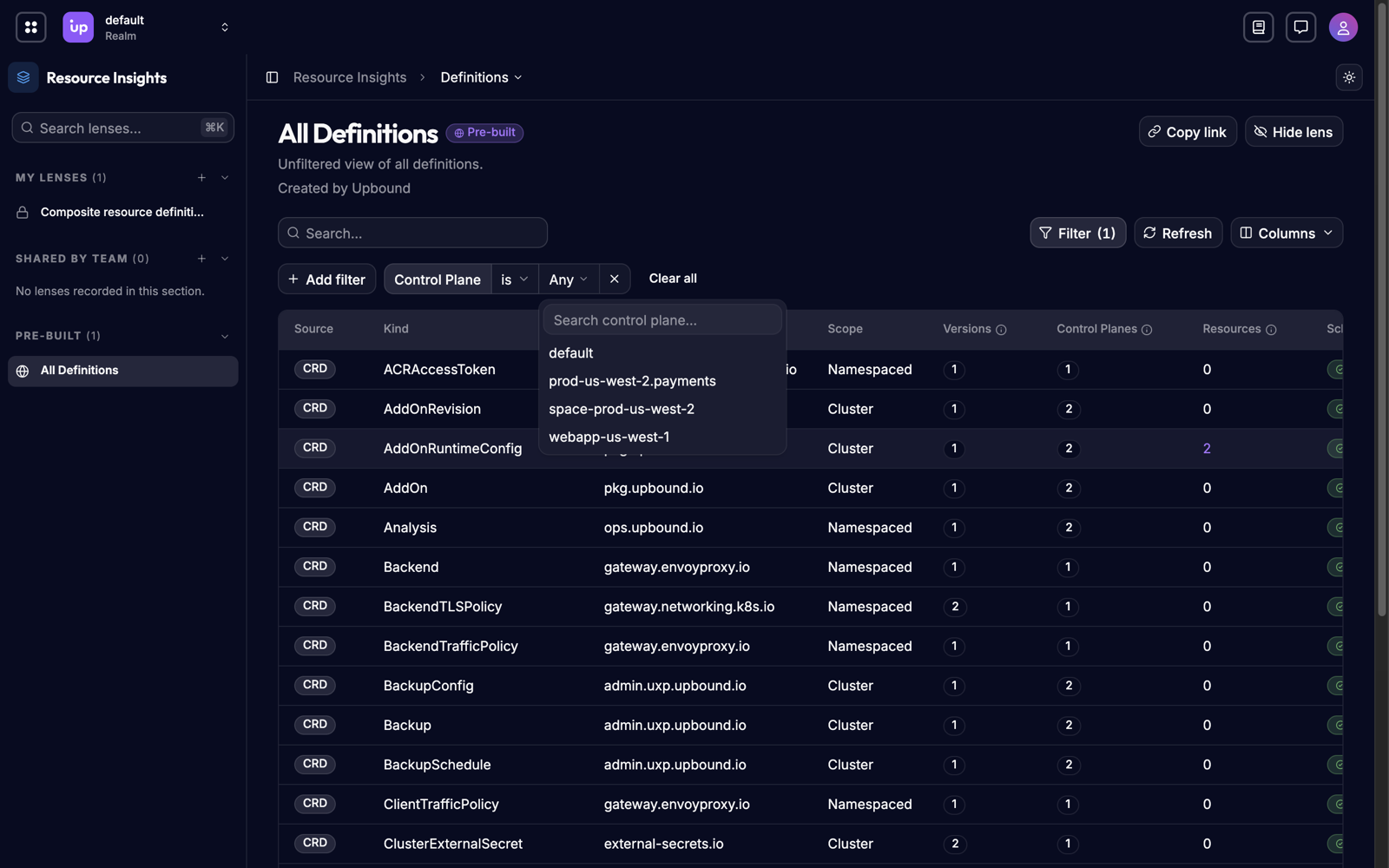
Choose Filter, then Add filter.
-
Choose a filter, then a value:
Filter Values Source Kind One of XRD, CRD, or MRD. Control Plane One or more control planes. Schema Status Consistent or Has Variants. Deprecation Status Consistent or Has Mismatches.
Each filter appears as a pill on the filter bar, and filters combine. Select a pill to change its value, choose × on a pill to remove it, or choose Clear All to remove every filter.
To filter on a value in the table, right-click the cell and choose Filter by this value.
Find types with schema drift
- Add the Schema Status filter and choose Has Variants.
- To find deprecation mismatches instead, add the Deprecation Status filter and choose Has Mismatches.
The dashboard's Needs Attention row also links to the types with variants.
Inspect a definition
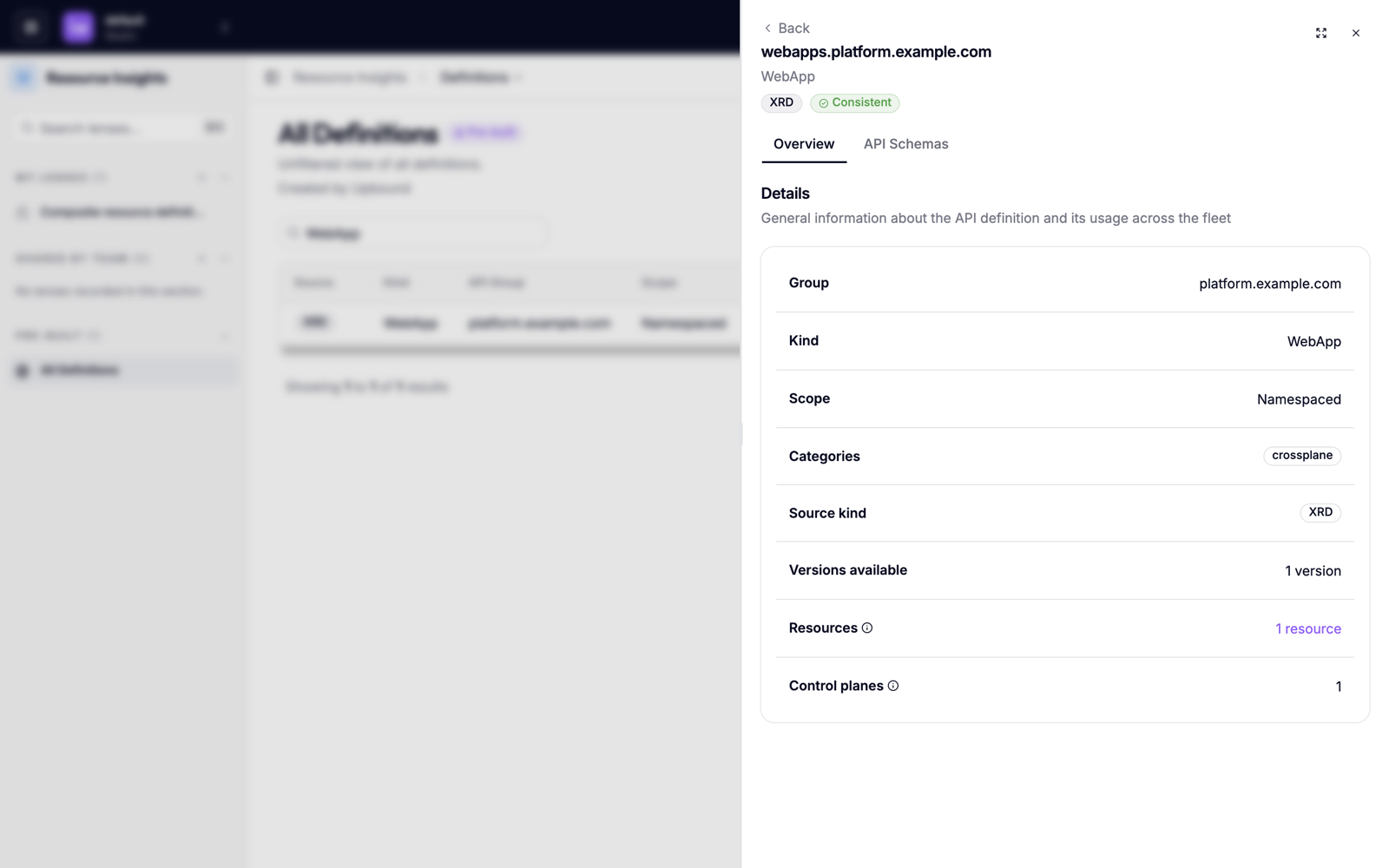
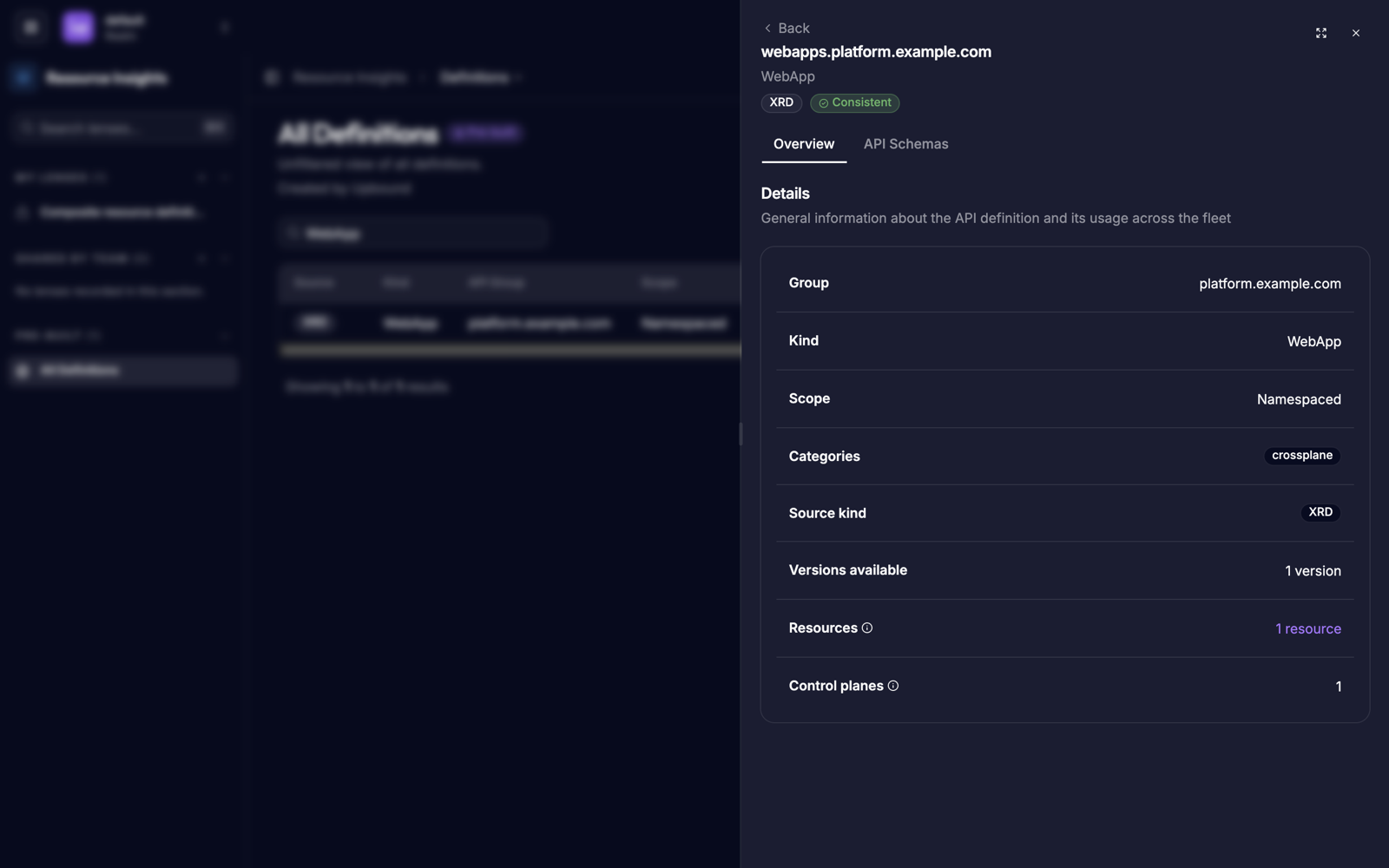
Select a row to open the definition's details. The Overview tab shows the type's API group, kind, scope, Crossplane categories, and source, with the number of versions, resources, and control planes. Select the resource count to open the resource list filtered to the type.
Compare schemas
Compare schemas to see how a type differs between control planes: a field that one control plane added or removed, or a default that changed. Do this before you rely on a field across the fleet, or when a resource behaves differently on one control plane.
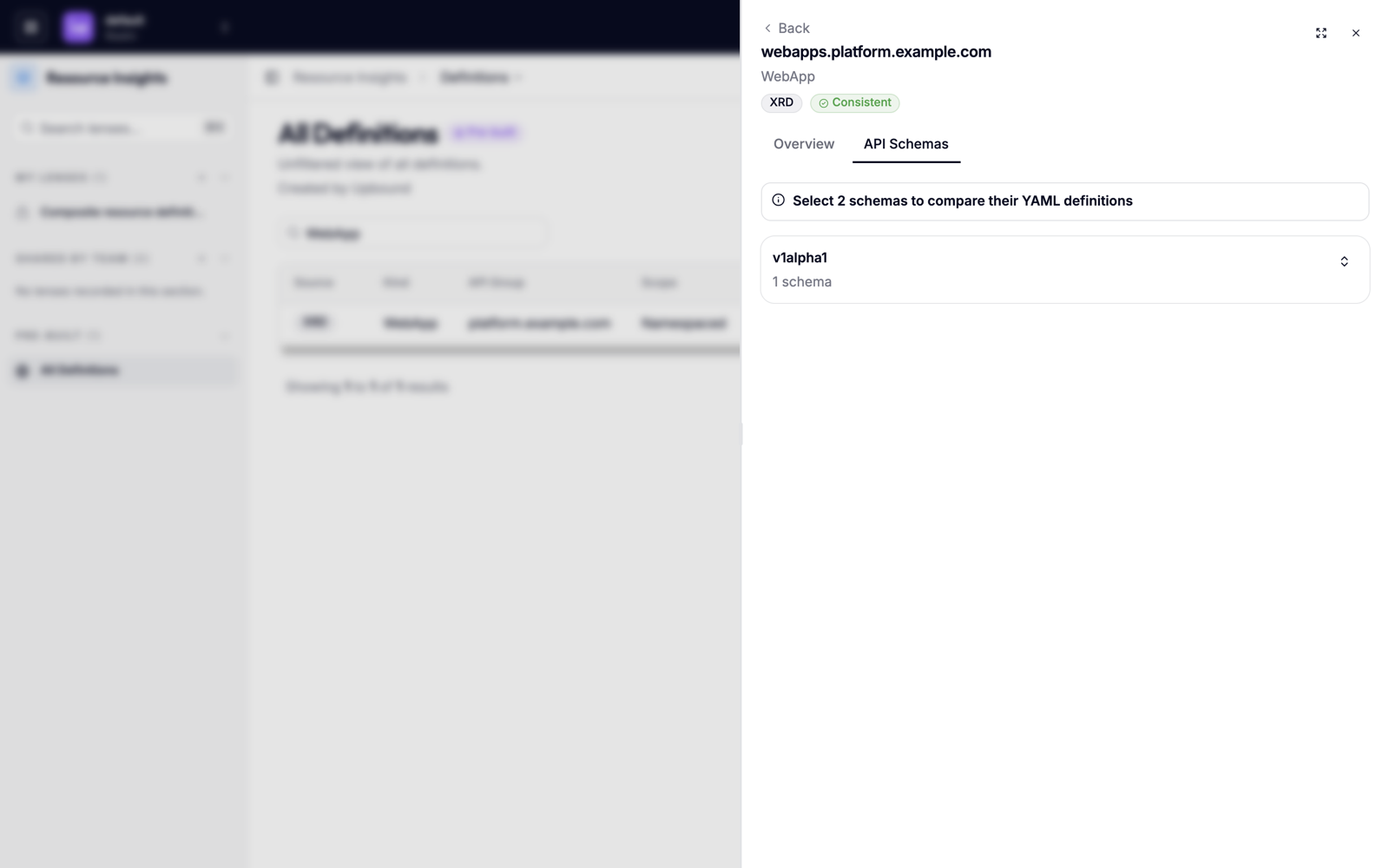
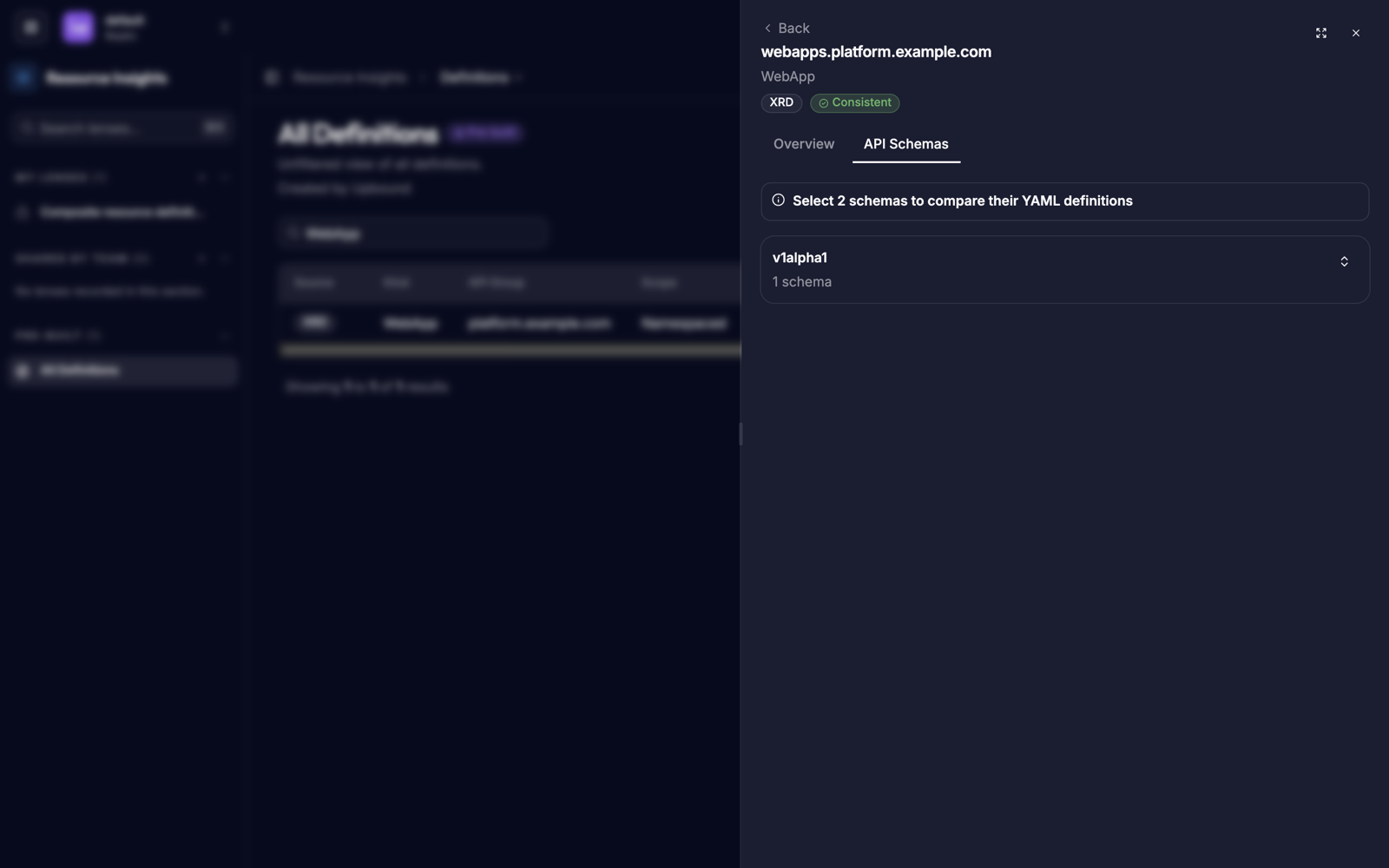
- Open a definition, then choose the API Schemas tab. The tab groups schemas by version. Each version lists its variants by a short schema hash, with how many control planes serve each variant and how many resources use it.
- Expand a variant to see its details:
- Control planes lists the control planes that serve the variant, with their realm, whether each serves and stores the version, and whether it marks the version deprecated.
- Schema shows the variant's schema as YAML.
- Select two variants, then choose Compare to see their schemas side by side.

Troubleshoot
| Symptom | Cause |
|---|---|
| Definitions is missing from the navigation menu | Your platform team turned off the AggregatedTypes feature flag. |
| A type you expect is missing | It's on a control plane you don't have permission to read. See Access-scoped results. |
| Another user sees different counts | Counts cover only the control planes each user has permission to read. |